
Made for Apple TV
Your library.
A little more cinematic.
Astrio brings your Jellyfin, Emby, or Plex library to Apple TV.
See Astrio in actionScreenshots
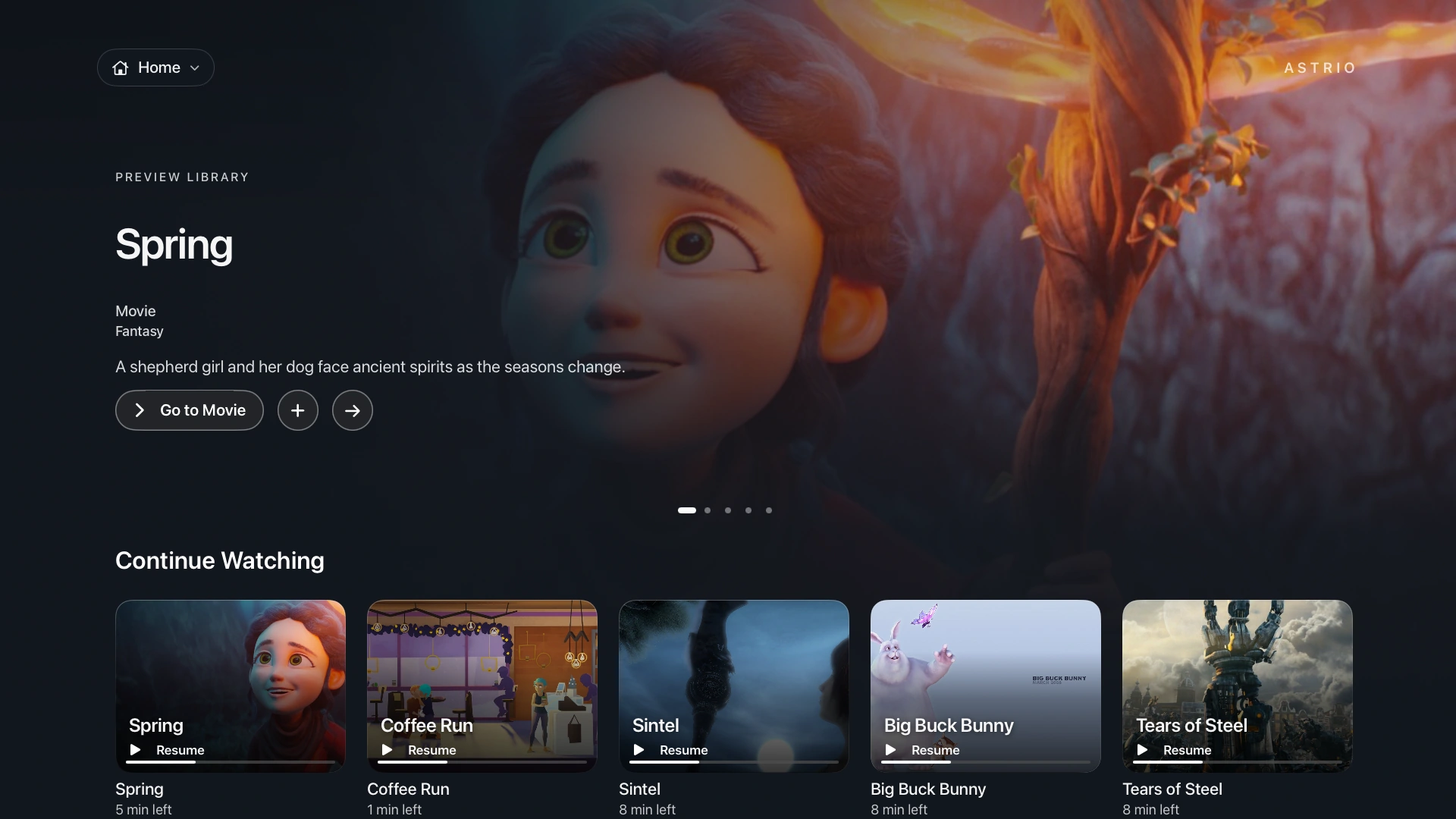

Use → for the next featured title. With a supported server, + adds the movie to My List.
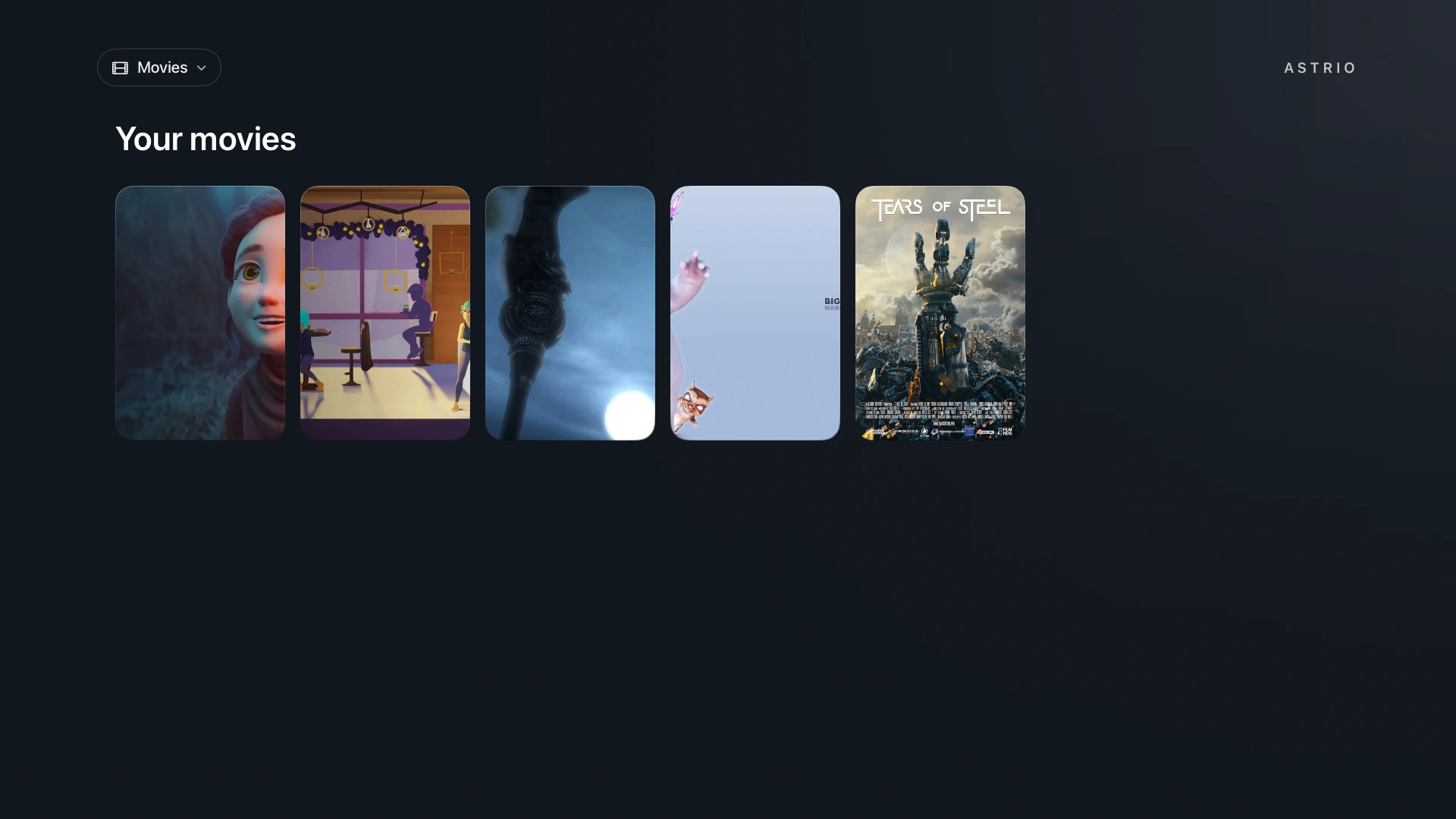
Browse your movie posters with the Siri Remote.
View full size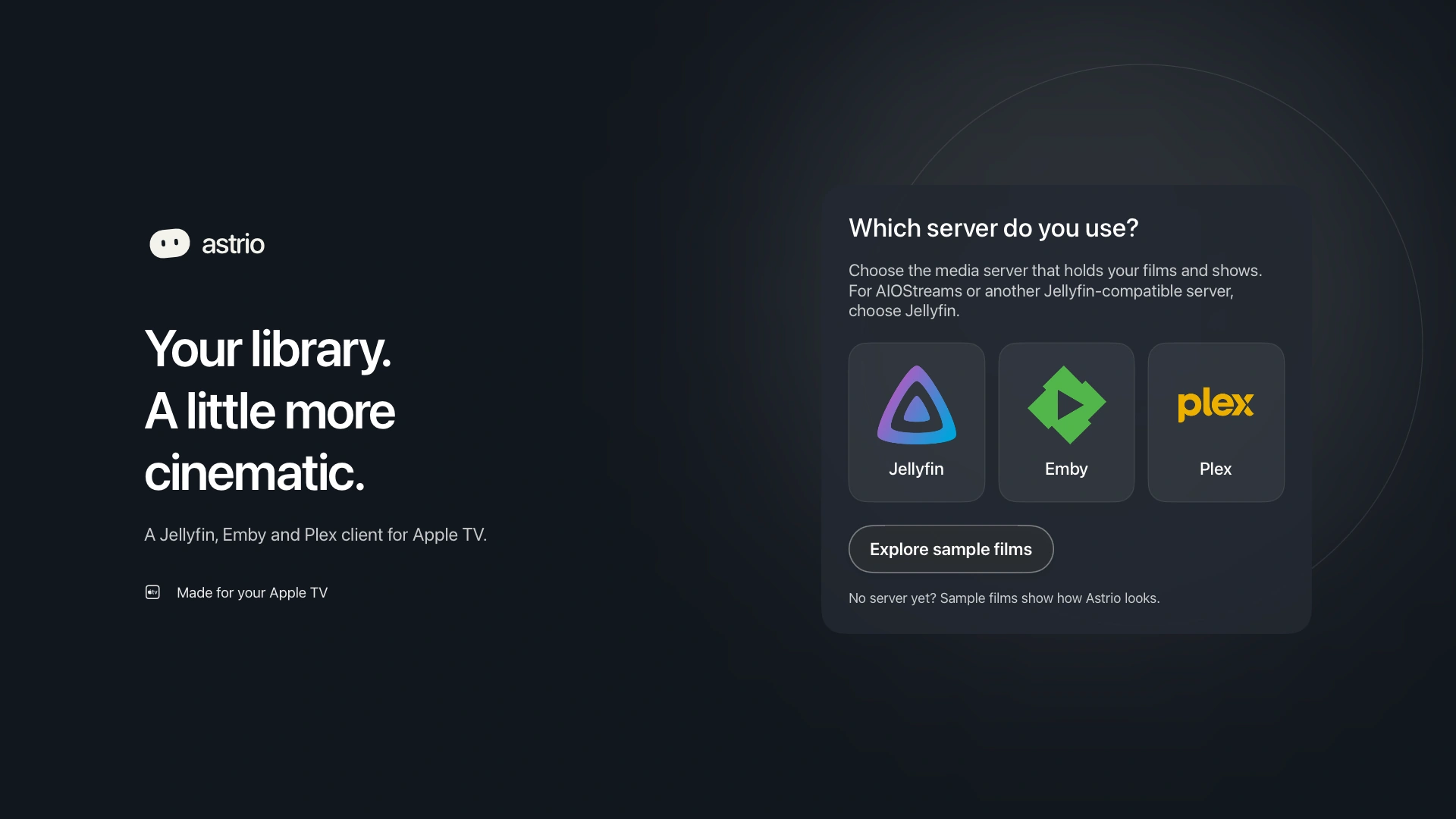
Choose your server at launch or explore sample films first.
View full sizeSample films
Watch five full shorts from Blender Studio’s Open Movies collection.





Connect your media server
 Jellyfin
 Emby

Set up Astrio
Open Astrio on Apple TV with tvOS 18 or later.
Choose your server
Select Jellyfin, Emby, or Plex on your Apple TV.
Use your phone to sign in
Scan the setup code to enter your Jellyfin or Emby server details, or follow the on-screen steps to link your Plex account.
Start watching
Browse your movies and shows. To watch live channels, add your own IPTV playlist in Settings.